
Ecommerce Site Speed: Why Your Store Feels Slow and What to Fix
Remember launch week? The store loaded in a blink. Product photos popped up instantly, and every click felt smooth. Then life happened. You added a review widget, a loyalty app, a popup, and a few tracking tags. Each one made sense at the time. Now pages hang for a beat, the cart stalls, and your mobile score keeps sliding.
The catch is that ecommerce site speed rarely breaks overnight. It fades quietly while you’re busy with products and orders. And a slow store costs you twice, in rankings and in sales.
The good news? The causes are well known. This guide walks through what slows a store down, how site speed affects SEO and shopping behavior, and how to improve page speed with a routine that lasts. We’re looking at the business side of ecommerce website optimization here. For the metric details, see our Core Web Vitals guide.
What Slows Down an Ecommerce Store: 6 Common Causes
| Cause | What goes wrong | Metric it hurts |
|---|---|---|
| Images | Images are usually the heaviest part of a product page. Oversized photos and missing modern formats like WebP add seconds. The biggest image above the fold often becomes your Largest Contentful Paint (LCP), so lazy-loading it by mistake makes things worse. | LCP |
| JavaScript | Too much JavaScript keeps the browser busy. Shoppers tap "Add to cart" and nothing happens right away. That delay shows up in Interaction to Next Paint (INP). Heavy themes and page builders add to it. | INP |
| Apps and plugins | Every Shopify app and WordPress plugin can add scripts, styles, and database calls. Uninstalling an app doesn’t always remove its code, so leftover snippets keep costing you. | Overall load time |
| Third-party scripts | Analytics, ad pixels, chat tools, and review widgets load from other servers. If one is slow, your page waits. These scripts also cause layout jumps, which raise Cumulative Layout Shift (CLS). | CLS |
| Server response | Slow hosting, no caching, and no CDN raise your Time to First Byte. A slow start delays everything that follows. | TTFB |
| Database and backend work | Large catalogs, complex filters, and bloated tables slow every query. Cart and checkout pages can’t be fully cached, so backend work shows up there first. | Cart and checkout speed |
Our guide on fixing a slow WooCommerce checkout shows a real example.
Automate it with FastMeHow Site Speed Affects SEO and Shopping Behavior
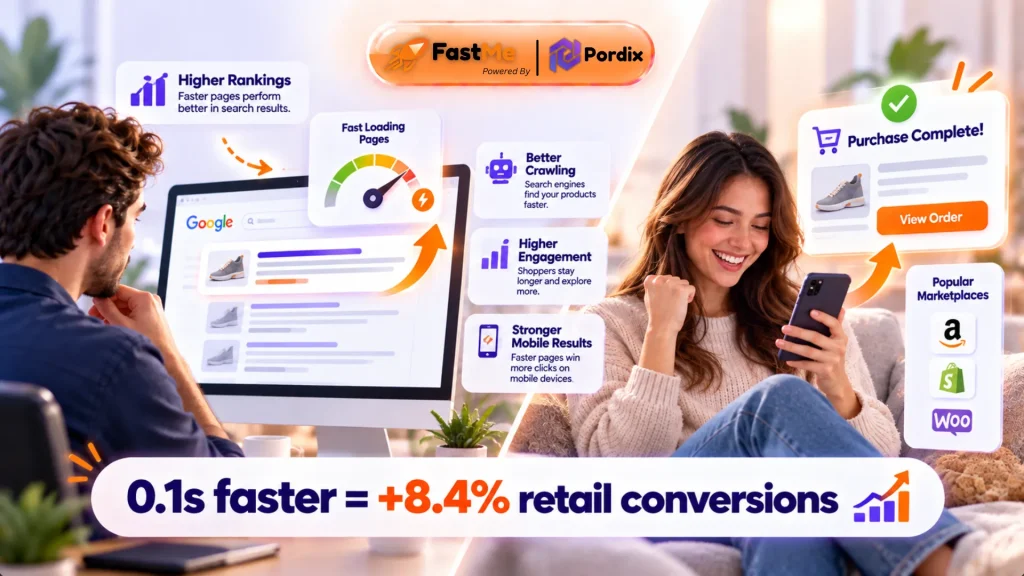
Speed matters twice: once for search engines, and again for the people who land on your page. Google’s documentation says Core Web Vitals are used by its ranking systems, but good content can still outrank a faster page (Google Search Central). So speed is a tiebreaker, not a magic switch. The indirect effects are often bigger. Here is how site speed impacts SEO behind the scenes:
- Crawling: Slow servers waste crawl time, so new products get found later.
- Engagement: Shoppers who bounce early send weak behavior signals.
- Mobile results: Most store visits are on phones, where slow pages lose the most people.
Google’s “good” targets, measured at the 75th percentile of real visits, are LCP of 2.5 seconds or less, INP of 200 milliseconds or less, and CLS of 0.1 or less (web.dev). Improving page speed on your money pages is the safest way to stay inside those lines.
How Speed Affects Conversions
A study by Deloitte and Google, Milliseconds Make Millions, found that a 0.1-second mobile speed gain lifted retail conversions by 8.4% and average order value by 9.2% (web.dev case study). The data is from late 2019, so treat it as direction, not a promise. Still, the pattern holds: small gains add up at scale.
Think about what a slow store feels like. Product images appear late, so people lose interest. Filters lag, so they stop browsing. The cart hangs, so they doubt the site is safe. You pay for the click, then lose the sale.
Why Shopify, WordPress, and Custom Stores Have Different Bottlenecks
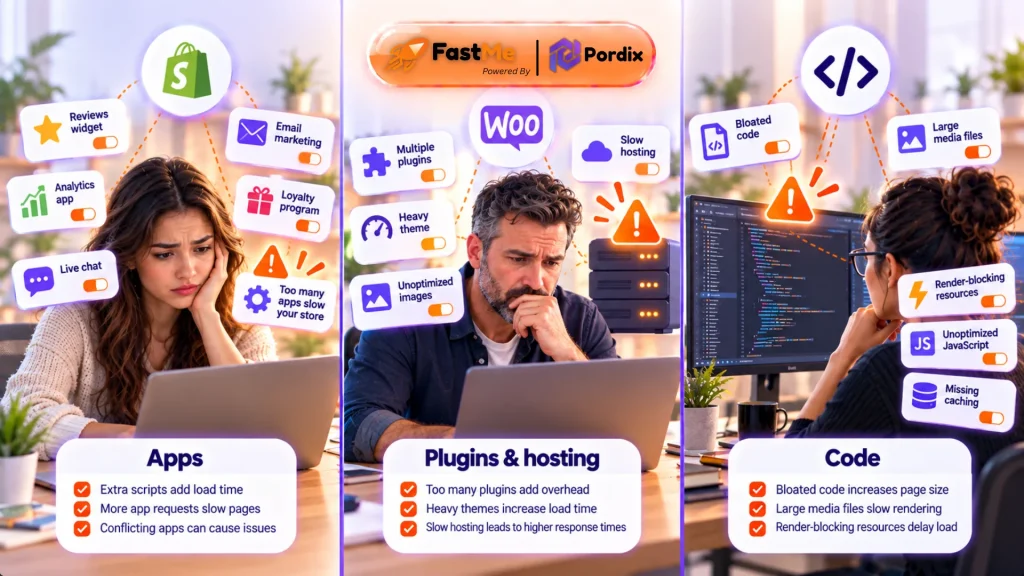
The same slowdown looks different on each platform, so website speed optimization starts with knowing your stack. Fixing the wrong layer wastes time and weakens your ecommerce website optimization.
Shopify: Fix the Theme and the Apps
Hosting is handled for you, so problems usually come from the theme and the apps. Shopify’s own help center points to the same three culprits: your theme, installed apps, and third-party code such as tag managers (Shopify Help Center).
The platform itself holds up well. The HTTP Archive’s 2024 Web Almanac found that Shopify has posted consistently good LCP pass rates since 2022 (Web Almanac). So if a Shopify store is slow, look at what you added on top.
WordPress and WooCommerce: Fix the Setup
You control more, so more can go wrong. Hosting, plugin count, caching, and database health all matter. The numbers show the gap. The same Web Almanac chapter reports that only 34% of WooCommerce sites passed the mobile LCP threshold. A separate 2026 analysis of Chrome UX Report data found that 81.7% of Shopify stores with full data passed Core Web Vitals, versus 38.9% of WooCommerce stores (BootLeads).
Don’t read that as “WooCommerce is slow.” BootLeads notes the figures describe the stores, not the platform. The Web Almanac’s WordPress chapter says the same: performance varies more with configuration than with core limits (Web Almanac 2025). A well-tuned WooCommerce store can still be fast.
Custom and Headless Stores: Fix the Code
These can be very quick, but only with good engineering. Common issues include heavy front-end bundles, slow API calls, and uncached data. There’s no fair platform benchmark here, because every build is different. So measure your own pages, and check JavaScript weight and API response times first.
The takeaway for ecommerce site optimization: fix the layer you actually control.
How to Find the Real Problem and Build a Speed System That Lasts
Don’t guess. Measure first, fix the biggest issue, then make it a routine. Most stores skip this step, and the data shows it. The 2025 Web Almanac HTTP Archive found that only 48% of mobile sites have good Core Web Vitals, up from 36% in 2023. Loading is the usual weak spot, with LCP passing on roughly 62% of mobile sites in that same dataset. So when you test, start by checking what loads first.
Find the Cause
- Check real-user data first. Open PageSpeed Insights and read the field data. It shows what shoppers actually experience.
- Test your money pages. Check the homepage, a category page, a product page, the cart, and checkout. One fast homepage proves nothing.
- Read the waterfall. Lighthouse or WebPageTest shows what loads, in what order, and what blocks the page.
- Match symptom to cause. Slow LCP points to images or the server. Poor INP points to JavaScript. High CLS points to unsized images and late widgets.
- Test on a mid-range phone. Your laptop on office Wi-Fi hides most problems.
Fix one thing at a time and re-test, so you know what worked.
Keep It Fast
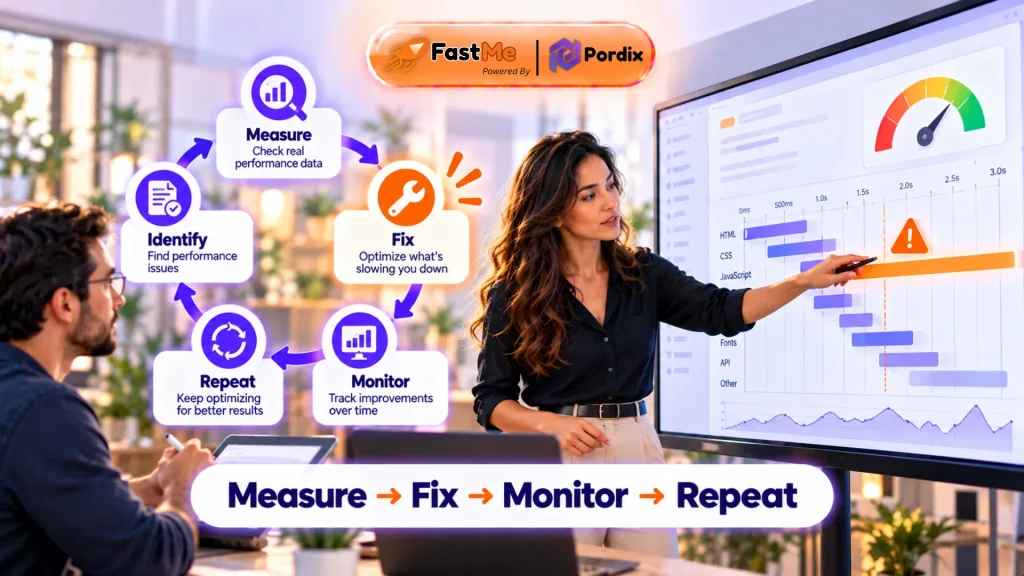
Website speed optimization works best as a loop, not a one-off sprint. A good system has five parts:
- A performance budget: limits for page weight, script count, and LCP.
- A quarterly app review: does each tool still earn its cost?
- Automatic image handling: compress and resize on upload.
- Weekly monitoring: track Core Web Vitals and set alerts.
- Tests after every change: new theme, app, or campaign.
The goal is simple: make ecommerce site speed the default, not a rescue mission.
How FastMe Helps Automate Website Performance
Manual speed work takes time most store teams don’t have. That’s where automation fits into the system above. FastMe is Pordix’s website speed optimization tool, built for the repetitive work that makes optimizing an ecommerce website a never-ending task.
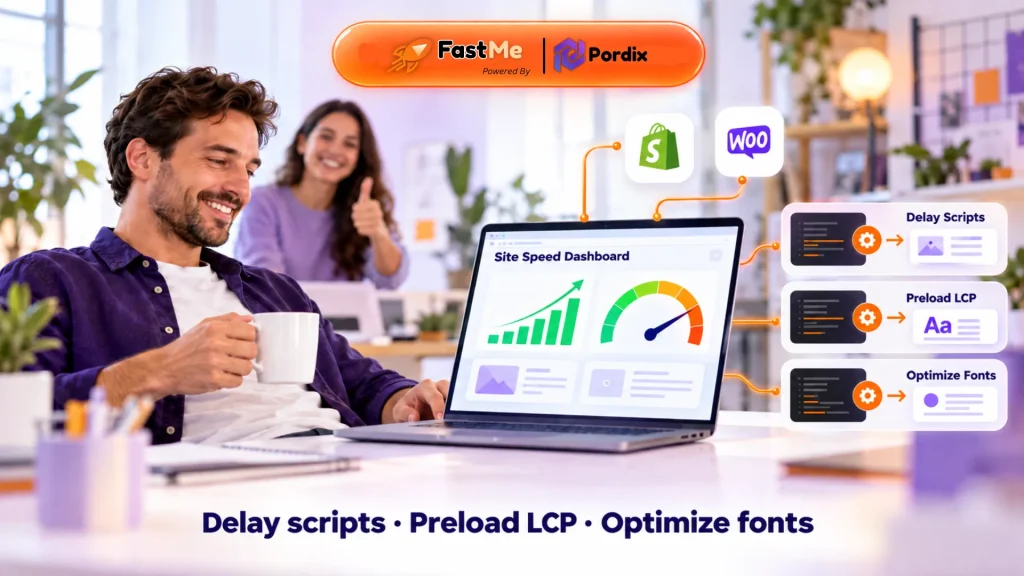
- On Shopify, the FastMe Speed Optimizer app delays heavy third-party scripts until a visitor interacts, preloads the key LCP image, optimizes Google Fonts, and reduces layout shifts from images, fonts, and videos. It works without editing theme code and includes a PageSpeed scan dashboard.
- On WordPress, FastMe is a plugin that covers caching, image optimization, script deferring, and performance cleanup.
One honest note: delaying scripts can change when some tracking tags fire. Test your analytics and ad pixels after turning it on. FastMe won’t replace good decisions. You still need to remove dead apps and pick lean themes. But automation keeps small, boring fixes from piling up.
Final Thoughts
Ecommerce site speed is a business issue, not just a technical one. It touches rankings, bounce rates, and revenue, and website speed optimization pays off most when it’s ongoing. Stores slow down as they grow. Images, scripts, apps, servers, and databases all play a part, and each platform has its own weak spot. The fix is to measure, find the real cause, and build a routine that keeps speed in check.
Start with your product page and cart. Run a test, find the heaviest item, and fix that first. Small wins add up fast, and you can improve page speed without a rebuild.
Frequently Asked Questions
Q1. What is a good ecommerce site speed?
Aim for LCP under 2.5 seconds, INP under 200 milliseconds, and CLS under 0.1 for most real visits. In plain terms, key pages should feel ready in about two to three seconds on a phone.
Q2. Does site speed affect SEO?
Yes. Here is how site speed affects SEO: Core Web Vitals are part of Google’s ranking systems, and speed also helps indirectly through crawling and engagement. Content relevance still matters more. For more details, you can walkthrough our guide on how site speed affects the website performance.
Q3. Why is my ecommerce website so slow?
The usual causes are large images, too many apps or plugins, heavy JavaScript, third-party scripts, slow hosting, and a bloated database. To improve page speed, test key pages in PageSpeed Insights and fix the biggest cause first.
Q4. How do I approach ecommerce website optimization for speed?
Compress and resize images, remove unused apps, delay non-essential scripts, use caching and a CDN, and monitor Core Web Vitals. Start with the single biggest issue your test reveals.
Q5. Is Shopify faster than WooCommerce?
No, not by default. Shopify manages hosting, so results are often more consistent. A well-tuned WooCommerce store can match it. Theme, apps or plugins, and setup matter more than the platform name.
Q6. Can website speed optimization increase sales?
Yes it can. The Deloitte and Google study linked faster mobile pages to higher retail conversions and order values. Results vary by store, so track revenue, not just scores.