
B2B Website Speed at Scale: Infrastructure That Survives High Traffic
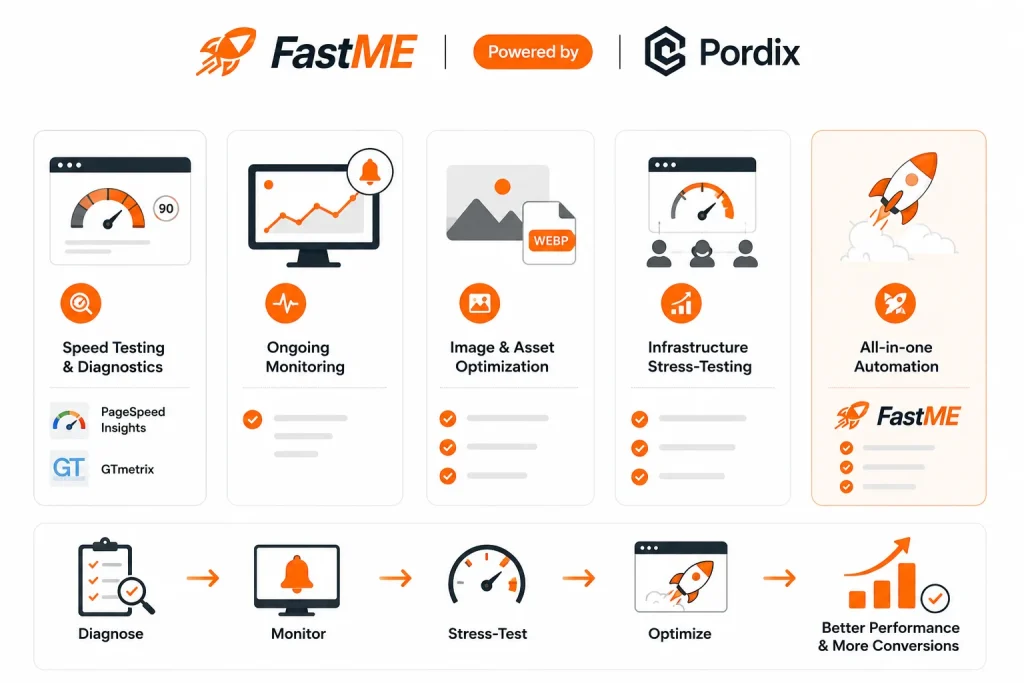
B2B website speed at scale means one thing. Your site loads fast, even when traffic jumps 5x, 7x, or more. That’s the short answer. Here’s the full story.
Most B2B sites run fine on a normal day. Then a campaign goes live. Or a big client shares your link with their whole team, and a hundred people click it in the same hour. Traffic spikes. Pages start to lag. Forms time out. Leads leave before they ever see your pitch, and most of them won’t come back to try a second time.
This is common. It happens when a site is built for average traffic, not peak traffic. Most teams size their hosting and infrastructure around a normal week, not around the one big moment that actually drives new business. In B2B, one lost lead can mean a lost deal worth tens of thousands of dollars. That makes this gap expensive, not just annoying.
This guide covers what to check, fix, and watch, based on the same issues that show up again and again on B2B sites. The goal is simple. Keep your B2B website speed strong under real pressure, not just on a speed test that nobody but you will ever see.
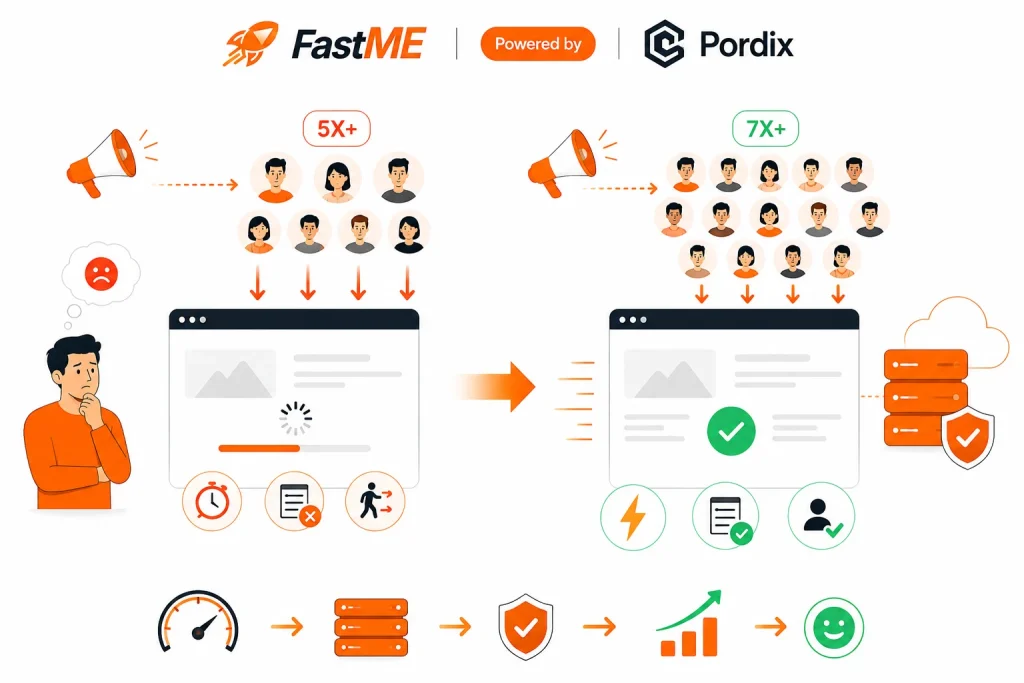
B2B Website Speed Checklist: What to Audit First
Start with a quick audit before you change anything. This shows you the actual weak spots fast, so you’re fixing real problems instead of guessing at ones that don’t exist.
Check these five things first:
- Run your homepage and top pages through a speed test tool, and note the load time on both desktop and mobile, since they often differ
- Check your Time to First Byte (TTFB). Over 600ms is a warning sign that your server or hosting setup is struggling to respond quickly
- Check your hosting plan’s traffic limits, and compare them against your highest traffic day in the past year
- Check image file sizes on your top pages, since oversized images are one of the most common and easiest fixes
- Count how many plugins or scripts load on each page, and flag anything you no longer actively use
Most speed problems trace back to these five spots. Fix these first, and you’ll usually see the biggest gains for the least amount of work, before you ever need to touch your infrastructure.
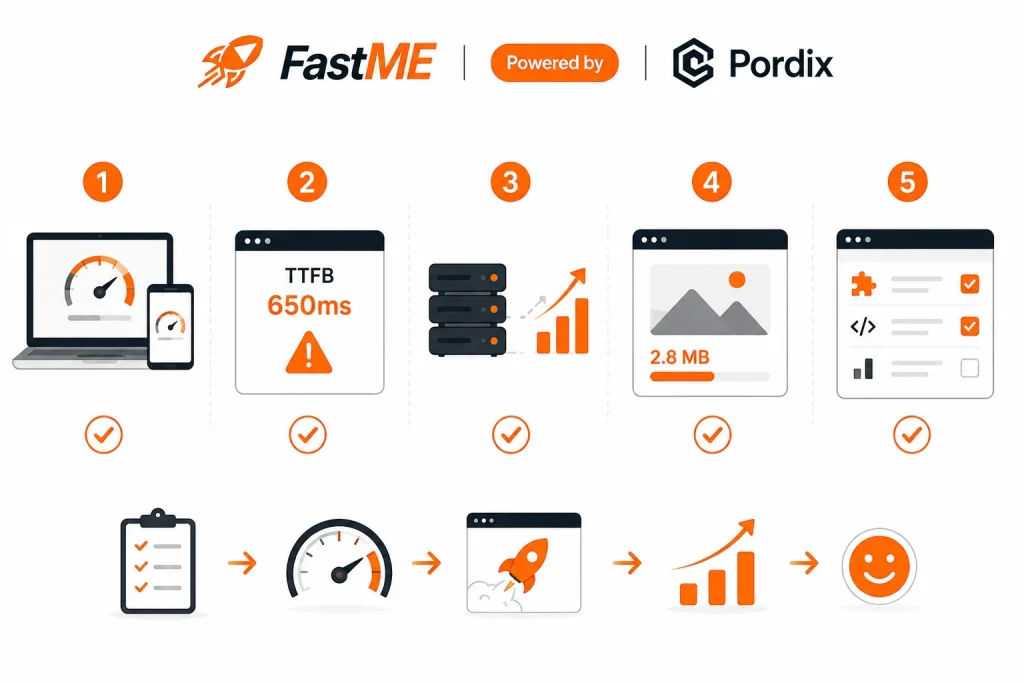
Infrastructure Red Flags That Signal You Won't Scale
Some warning signs show up early, long before a real traffic spike ever hits. Catch them now, while you have time to fix them calmly, and your site won’t fail during a moment that actually matters.
Watch for these red flags:
- Shared hosting with unclear resource limits. Your site competes with other, unrelated sites for the same server power, and you often can’t see how close you are to the limit until it’s too late
- No caching layer. Every single visit rebuilds the full page from scratch, which adds unnecessary load time for every visitor, not just during a spike
- No CDN (Content Delivery Network). Visitors far from your main server wait longer for pages to load, which matters a lot if your B2B buyers are spread across regions or countries
- Slow or unoptimized database queries. Pages get slower as your site grows, even if nothing else about your hosting has changed
- No monitoring or alerts. You find out about downtime or slowdowns from a frustrated customer, instead of catching it yourself from a dashboard first
If two or more of these apply to your site, it likely won’t hold up well under a real traffic surge. The good news is you don’t need a full rebuild to fix this. You do need to close these gaps before you need them fixed, not during the traffic spike itself.
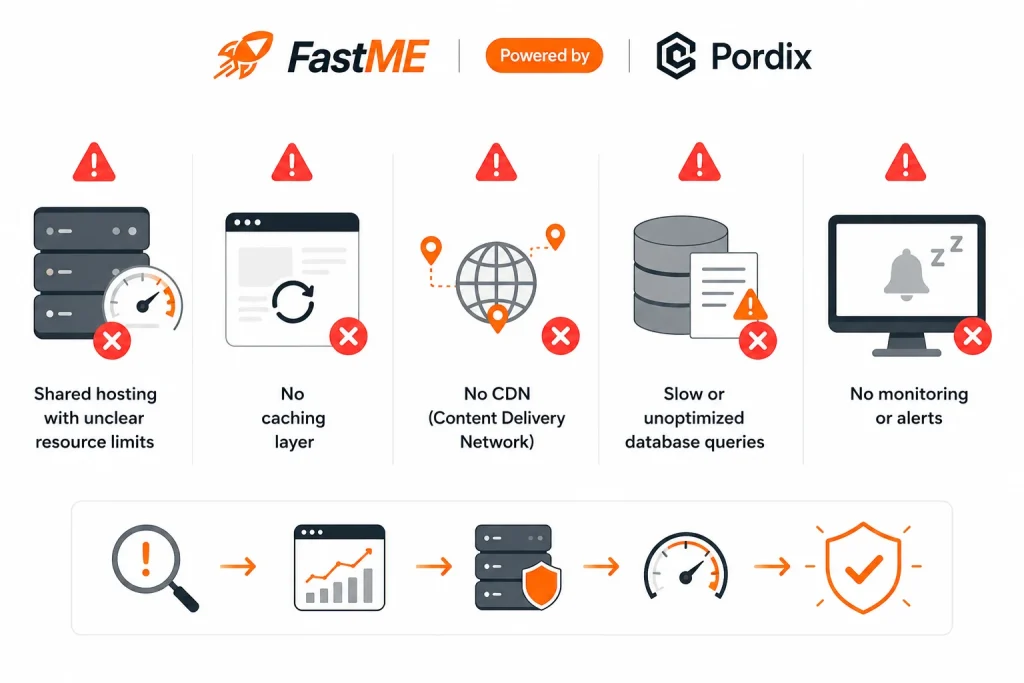
Top Website Optimization Tools, Ranked by Use Case
Different tools solve different problems, and no single tool covers everything on its own. Here’s a practical guide, so you pick the right tool for the job instead of just the most popular name.
For speed testing and diagnostics:
- Google PageSpeed Insights. Free, and gives you Core Web Vitals scores along with specific, actionable recommendations
- GTmetrix. Offers a more detailed, file-by-file breakdown of exactly what’s slowing your page down
For ongoing monitoring:
- Uptime and performance monitoring tools that alert you the moment something slows down, before users start noticing or complaining
For image and asset optimization:
- Tools that automatically compress images to WebP format, usually with no visible drop in quality
For infrastructure stress-testing:
- Load testing tools that simulate high traffic on your site ahead of time, so you find the weak spots on your own schedule instead of your customer’s
For All-in-one Automation:
- FastMe is an all-in-one and cheaper website speed optimization tool to boost your performance, audit your site and cache your memory to optimize page-speed load-time.
These website optimization tools work best as a team, not in isolation. Diagnostics show you what’s currently wrong. Monitoring tells you the moment something breaks. Stress-testing warns you before it ever breaks in front of a real visitor.
WordPress Speed Optimization: A Step-by-Step Walkthrough
If your B2B site runs on WordPress, speed issues usually trace back to the same handful of causes. Work through this list in order, and you’ll clear most of the common bottlenecks along the way.
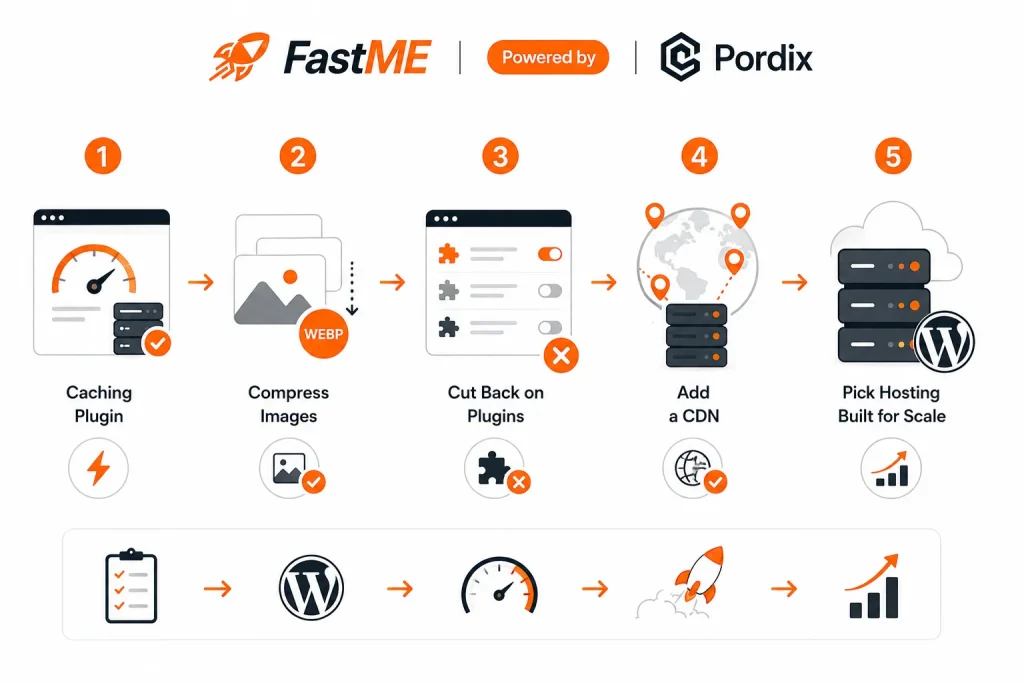
Step 1: Add a caching plugin:
Caching saves a ready-made copy of your page, so the server doesn’t rebuild it from scratch on every single visit. This alone can meaningfully cut load times, especially on content-heavy pages.
Step 2: Compress your images:
Large, uncompressed images are one of the top causes of slow load times on WordPress sites. Compress them all, and use WebP format wherever your theme and plugins support it.
Step 3: Cut back on plugins:
Every plugin adds extra code that has to load on each page visit, even ones you rarely use. Audit your plugin list every few months, and remove anything that isn’t actively earning its place.
Step 4: Add a CDN:
A CDN serves your site from a server physically closer to each visitor. This cuts load time noticeably for users far from your main hosting location, which matters more than most teams expect for a B2B audience spread across regions.
Step 5: Pick hosting built for scale:
Shared hosting works fine for low, steady traffic. But if you expect real growth, or you already run regular campaigns that drive spikes, cloud or managed WordPress hosting handles those moments far better and with far less manual intervention.
WordPress speed optimization isn’t a one-time job you finish and forget. Revisit this list each time you add a new plugin, switch page builders, or publish a major new page.
Building a Scalable Infrastructure Roadmap
Once the quick fixes are done, it’s worth thinking further ahead. A roadmap keeps you ahead of traffic growth, instead of reacting to problems only after something has already broken in front of real visitors.
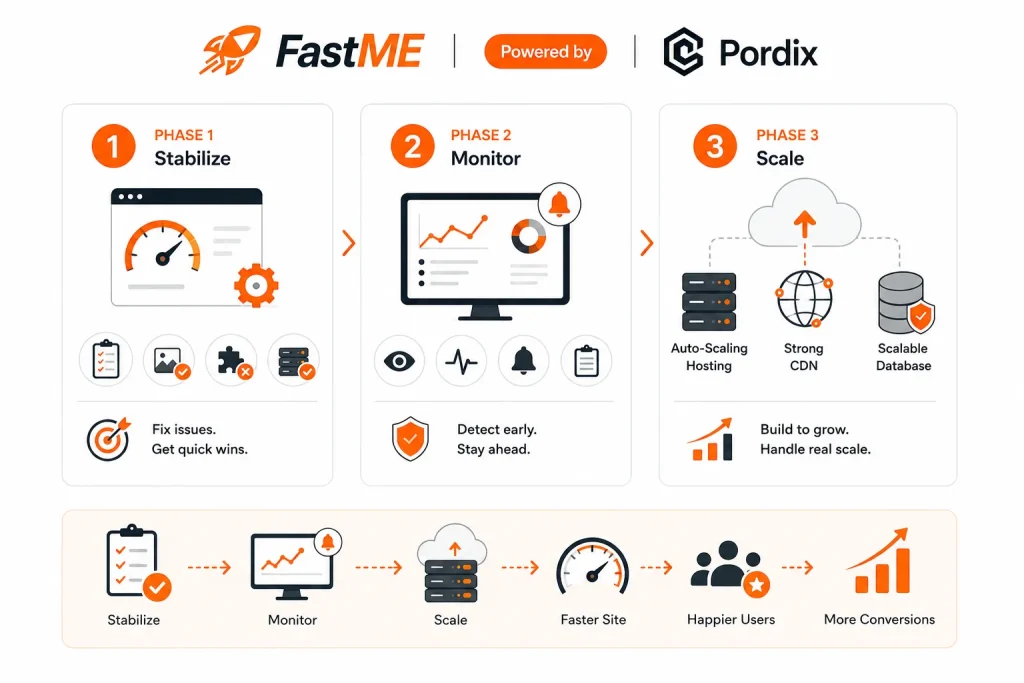
A simple 3-phase roadmap:
- Phase 1 — Stabilize. Fix the checklist items above first. This solves your most immediate pain points and usually delivers the fastest, most visible improvement.
- Phase 2 — Monitor. Set up alerts and regular speed checks, so small problems get caught and fixed early, well before they turn into a visible slowdown during a busy period.
- Phase 3 — Scale. Move toward infrastructure that grows with you, including auto-scaling hosting, a strong CDN setup, and a database built to handle real growth without a full rebuild.
Most teams try to jump straight to Phase 3, then wonder why it doesn’t solve everything on its own. Infrastructure only scales well once the fundamentals from Phase 1 and Phase 2 are already solid.
How FastMe Covers This Entire Outline
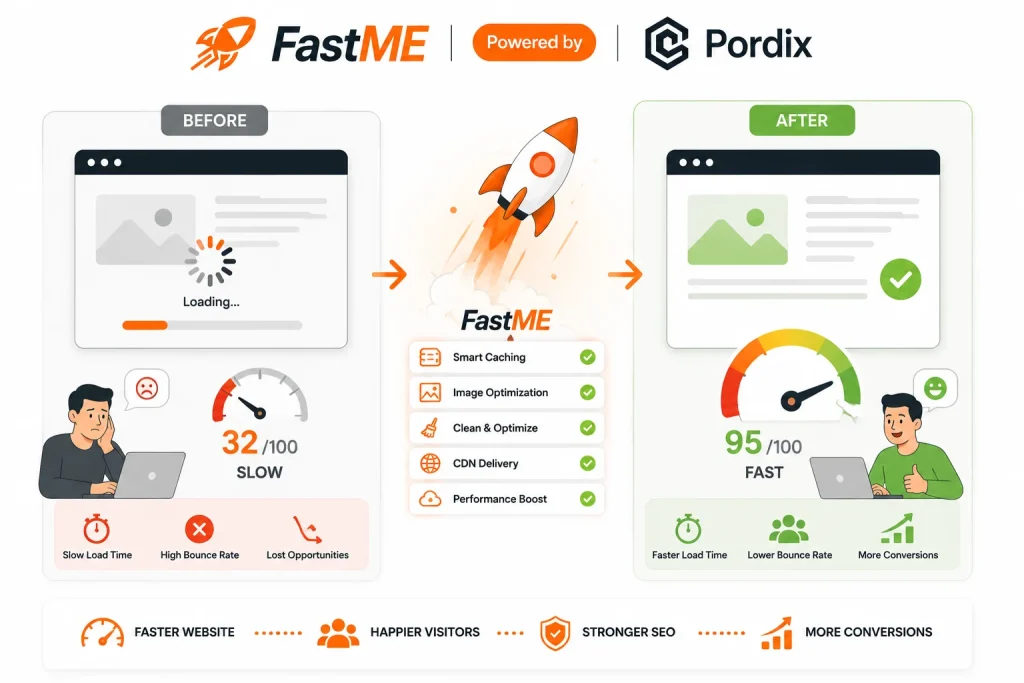
Everything above is a lot to manage as five separate tools and a running checklist. Here’s how FastMe maps to each step:
- Audit — FastMe surfaces TTFB, hosting limits, image bloat, and unused plugins in one scan, instead of five separate tools
- Red flags — caching, CDN coverage, and query slowdowns are monitored continuously, so they get flagged before a spike exposes them
- Tools — diagnostics, uptime monitoring, image compression, and load testing are built into one platform, not stitched together
- WordPress fixes — caching, image compression, plugin auditing, and CDN setup are handled inside FastMe directly
- Roadmap — FastMe scales with you through all three phases, so Stabilize → Monitor → Scale doesn’t require swapping tools or hosts along the way
Conclusion
B2B website speed at scale isn’t really about chasing a perfect score on a speed test tool. It’s about your site holding up the one time it matters most, when real traffic actually shows up and real buyers are watching.
Run the audit. Fix the red flags. Use the right website optimization tools for the job, not just the most familiar one. If you’re on WordPress, work through the optimization steps in order, and revisit them as your site grows. Then build a roadmap, so you stay ahead of traffic growth instead of scrambling to catch up with it after the fact.
Do this, and your infrastructure won’t just survive the next traffic spike. It will turn that traffic into leads, instead of losing them at the exact moment your business needed them most.
FAQ
1. What's the fastest way to test my B2B website speed?
Run your homepage and top pages through a free speed test tool, and check the results on both desktop and mobile since they often differ. It only takes a few minutes, and it usually points you straight to the biggest issue, whether that’s image size, server response time, or too many scripts loading at once.
2. How do I know if my infrastructure will handle a traffic spike?
Load testing is the most reliable way to check. It simulates high traffic on your site ahead of time, so you can see exactly how your servers, database, and hosting setup respond under pressure, without risking a real slowdown in front of actual visitors. If your site holds up well under a simulated spike, it’s a strong sign your real infrastructure will too.
3. What's a realistic timeline for speed optimization?
Quick fixes, like image compression and adding a caching plugin, can show noticeable results within a day or two. Bigger changes, like moving to new hosting or restructuring a slow database, typically take a few weeks to plan and roll out properly, especially if you want to avoid downtime during the switch.
4. Do I need a developer for WordPress speed fixes?
Not always. Some steps, like installing a caching plugin or compressing images, don’t require any coding knowledge and can be done in an afternoon. Deeper changes, like database optimization or a full hosting migration, usually go faster and safer with technical help, since mistakes there can affect your entire site.
5. What if I'd rather not handle infrastructure scaling myself?
That’s a fair call, especially for smaller teams without in-house development resources or the time to manage an ongoing audit process. Services like Pordix handle infrastructure scaling audits from start to finish, so you get the fix without having to manage the diagnostics, testing, and rollout yourself.